Mastering is the final step between a finished mix and a release-ready track. It brings your song up to commercial loudness, balances its frequencies so nothing sounds muddy or thin, and makes it hold up on any speaker. It's also the step most people skip — it traditionally meant hiring an engineer or pro software.
Auto Master brings that step to your phone. Pick a preset for the sound you're going for, and Voloco masters your track on-device in seconds — no uploads, no studio, no experience required.
The result sits at the right volume next to professional songs, ready to publish the moment you're happy with it. Master as many tracks as you want, unlimited with Voloco Premium.
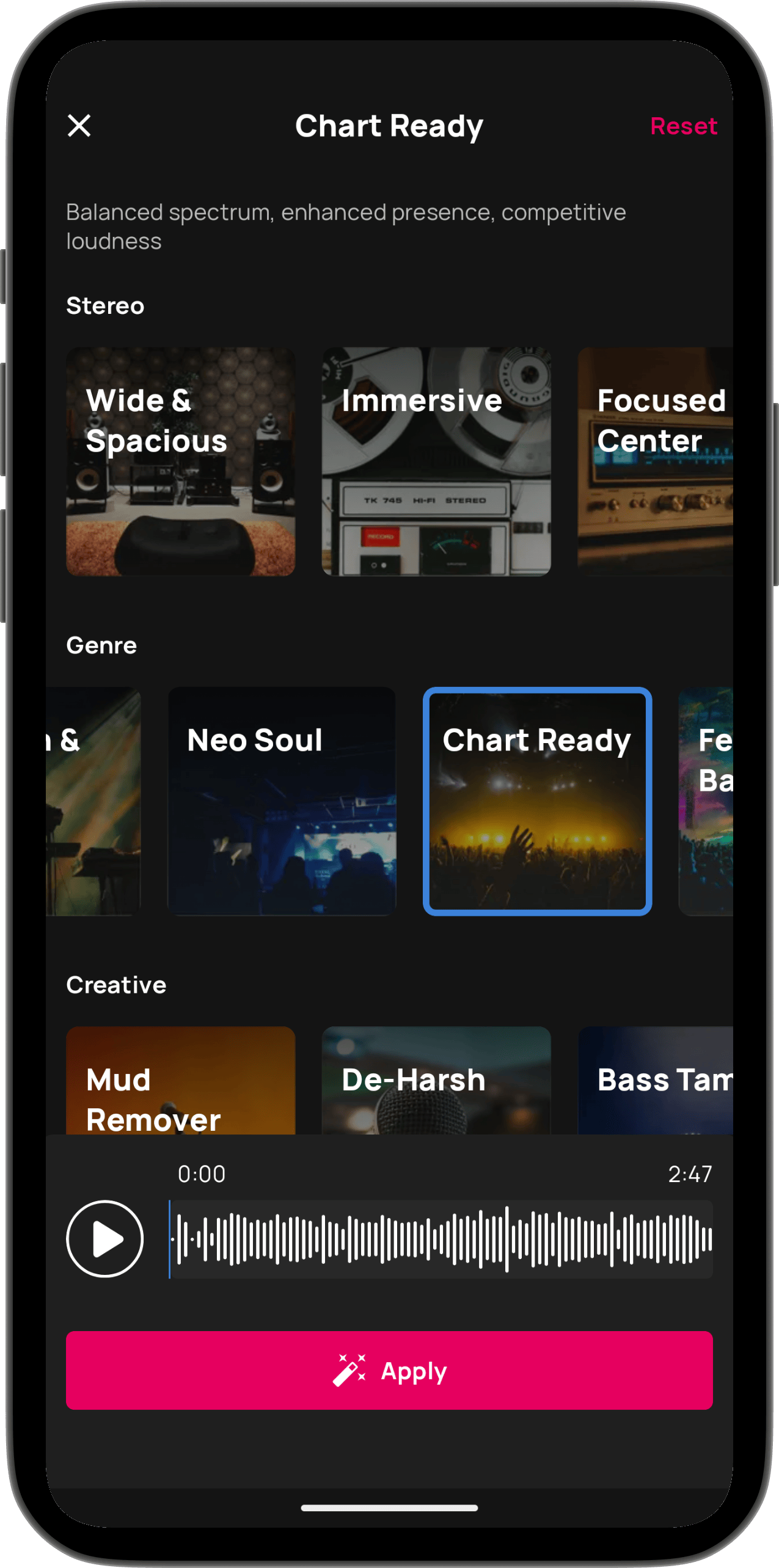
Bring your track up to the loudness of commercial releases, so it holds its own next to professional songs on any platform.
Six categories to choose from: Loudness, Frequency, Stereo, Genre, Creative, and Custom. Whatever you're going for, there's a starting point for it.
Love how a released song sounds? Import it as a reference and Auto Master shapes your track toward it.
Everything runs on your phone. Nothing gets sent anywhere, and your mastered track is ready in seconds.