Most mobile recording apps give you one vocal track. If you want harmonies, ad-libs, or layered doubles, you're either bouncing takes together or shipping everything to a desktop DAW.
Projects in Voloco let you build complete vocal arrangements on your phone. Record up to 8 independent layers, each with its own effects, volume, and pan — then arrange them visually and mix down without leaving your device.
Everything stays in sync with your beat. Every layer is non-destructive. Your full production lives in one project, ready to export whenever you are.
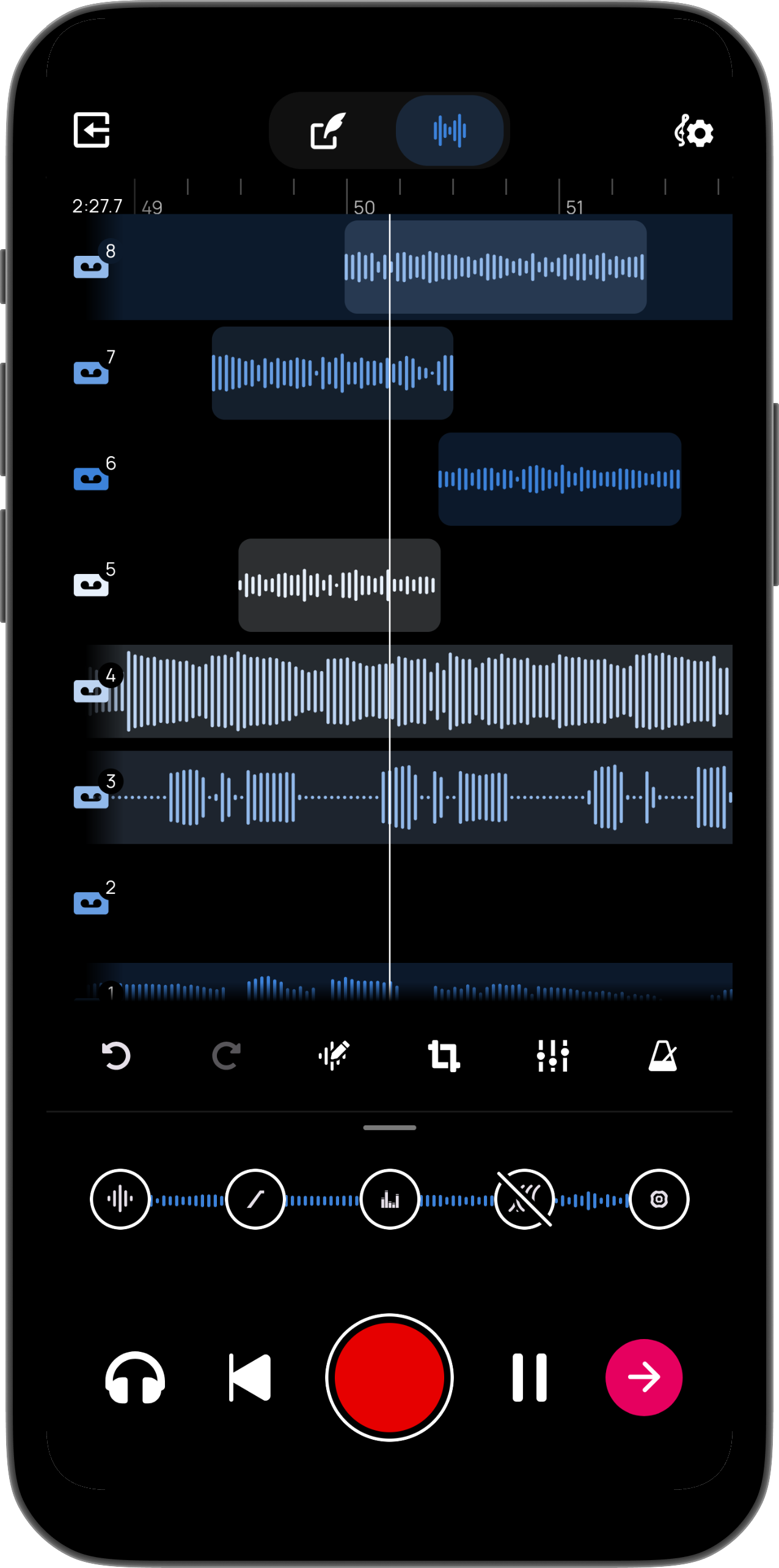
Record lead vocals, harmonies, ad-libs, and doubles as separate tracks. Rearrange or re-record individual layers without touching the rest.
See every layer laid out in a timeline. Move, trim, and arrange recordings with precision — no guesswork about what's playing when.
Apply different vocal effects to each layer independently. Run pitch correction on your lead, add harmony on a second, and go robotic on a third.
Adjust volume and stereo position for each track individually. Balance your layers into a polished mix before you export.