Getting your vocal levels right traditionally meant balancing every track by hand and having a trained ear for what a finished mix should sound like. Auto Mix handles that part, so you can focus on the music instead of the mixing board.
Tap Apply, and Voloco balances your vocals against the beat automatically, the same way an engineer would set your levels before mastering.
Perfectly balanced vocals in one tap, free for everyone. And once your levels are right, run Auto Master to bring the whole track to streaming-ready loudness.
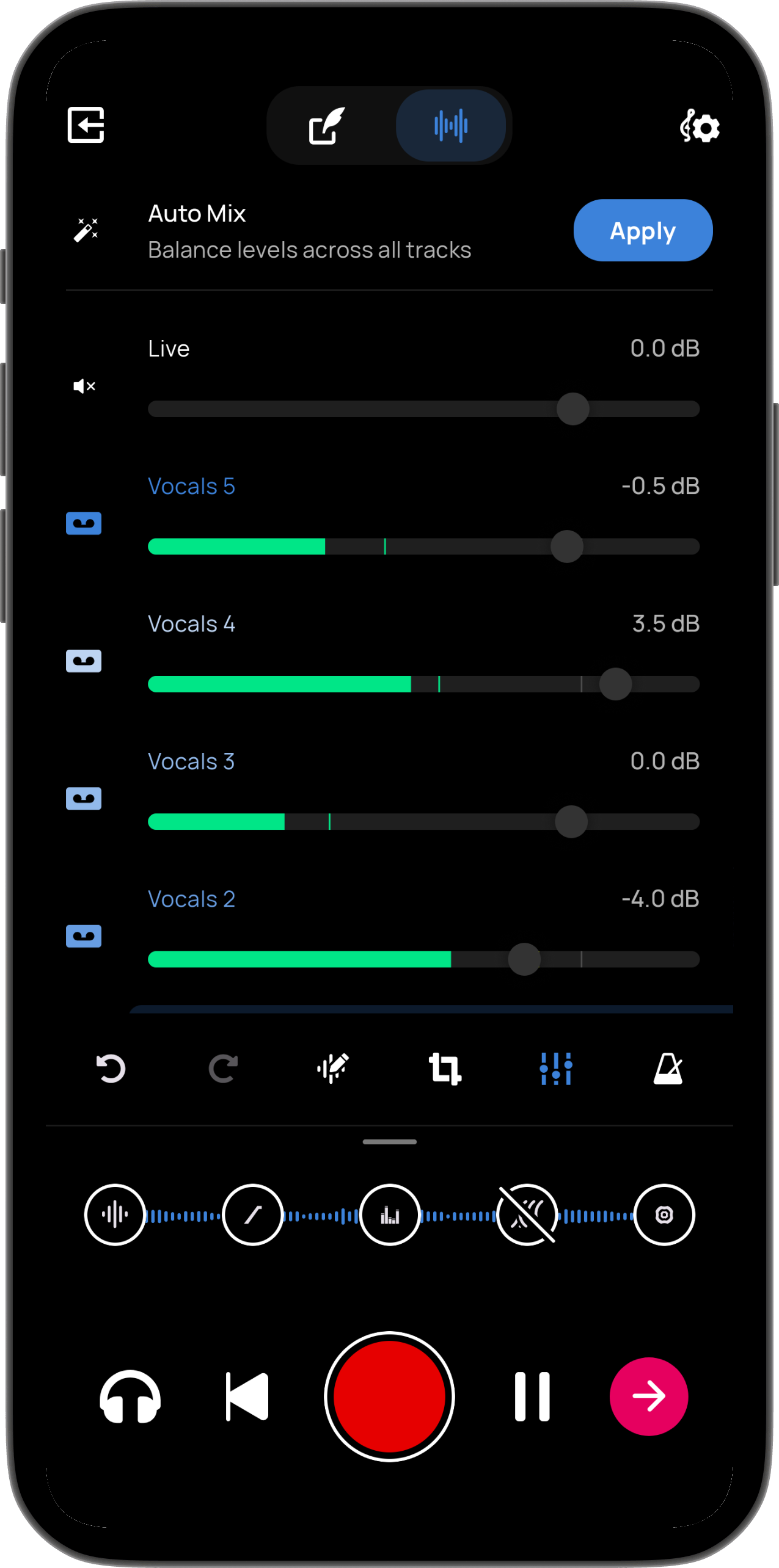
Auto Mix uses your backing track as a reference, so your vocals sit naturally in the mix instead of fighting the instrumental or getting buried under it.
Setting levels right normally takes a trained ear and a feel for how vocals sit against a beat. Auto Mix makes those calls for you.
Available to all users, free and Premium. No subscription required for a professionally balanced mix.
Don't love the result? One tap on Undo restores your original levels. Nothing is saved until you're happy with it.