Every voice is different, and every room leaves its mark. Getting a raw vocal to sit right usually means knowing which frequencies to cut and which to lift, and most people don't.
Corrective EQ does it for you, analyzing a vocal you've recorded and applying the corrections that bring it closer to a commercial recording. It runs before your pitch correction and harmonies, so everything after it is working with a better signal.
Two ways to shape your tone, in one editor.
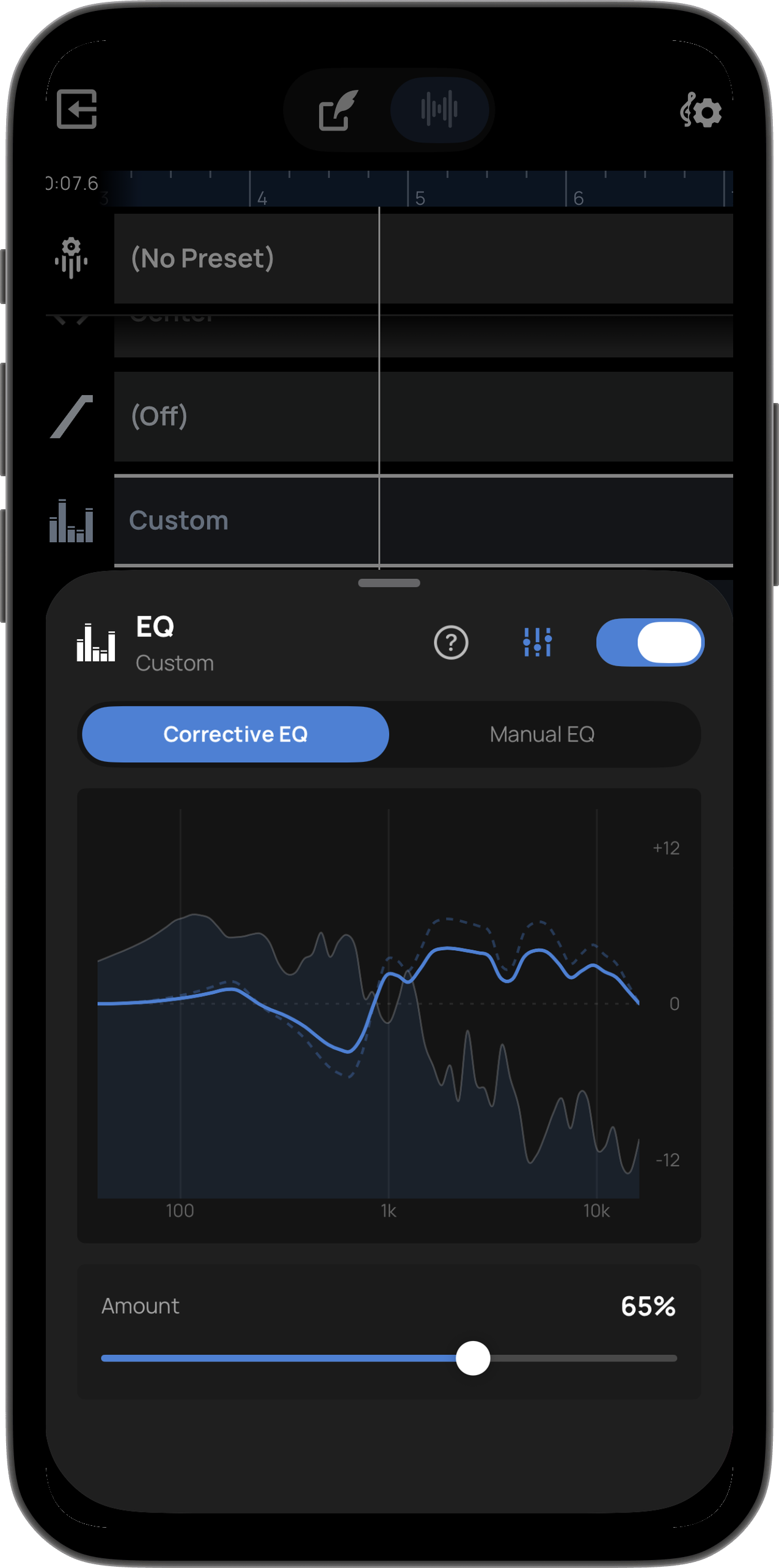
Voloco analyzes your raw vocal and applies EQ corrections tuned to make it sound more like a commercial record. Use the Amount slider to dial in how much correction you want. Available to all users.
A live spectrum display shows your frequency curve reacting in real time as you record or play back, so you can watch what the EQ is doing instead of guessing.
Nine vertical faders give you the low cut, the individual bands and the shelf, each with up to 12 dB of adjustment either way. Corrective EQ works on your raw vocal before effects; Manual shapes your final tone after. Use one or both. Reset to Flat any time.
Corrective EQ runs before your other effects, so pitch correction and harmonization get the cleanest possible signal to work with.